
Setlog log cleanup
How to delete a log in Setlog
To delete a log in Setlog, open the log detail screen, tap More, Edit, or the top menu, choose Delete or Remove, and confirm the action after saving anything you still need. If Delete is not available, use Archive or Hide only as an alternative visibility or cleanup action.
This guide is for content removal, not phone storage cleanup. If you are deleting a log because Setlog looks large on Android, check Log Size first so you do not remove a memory or video when the real issue is cache, app data, or device storage.
Direct Answer
Open the Setlog log, go to its detail screen, tap More, Edit, or the top menu, choose Delete or Remove, and confirm only after saving any video you still need. If Delete is missing, treat Archive or Hide as alternatives, not the same action. Do not delete a Setlog log just to reduce storage until you know whether the issue is the log itself, a saved video, cache, or app data.
Step-by-step delete tutorial
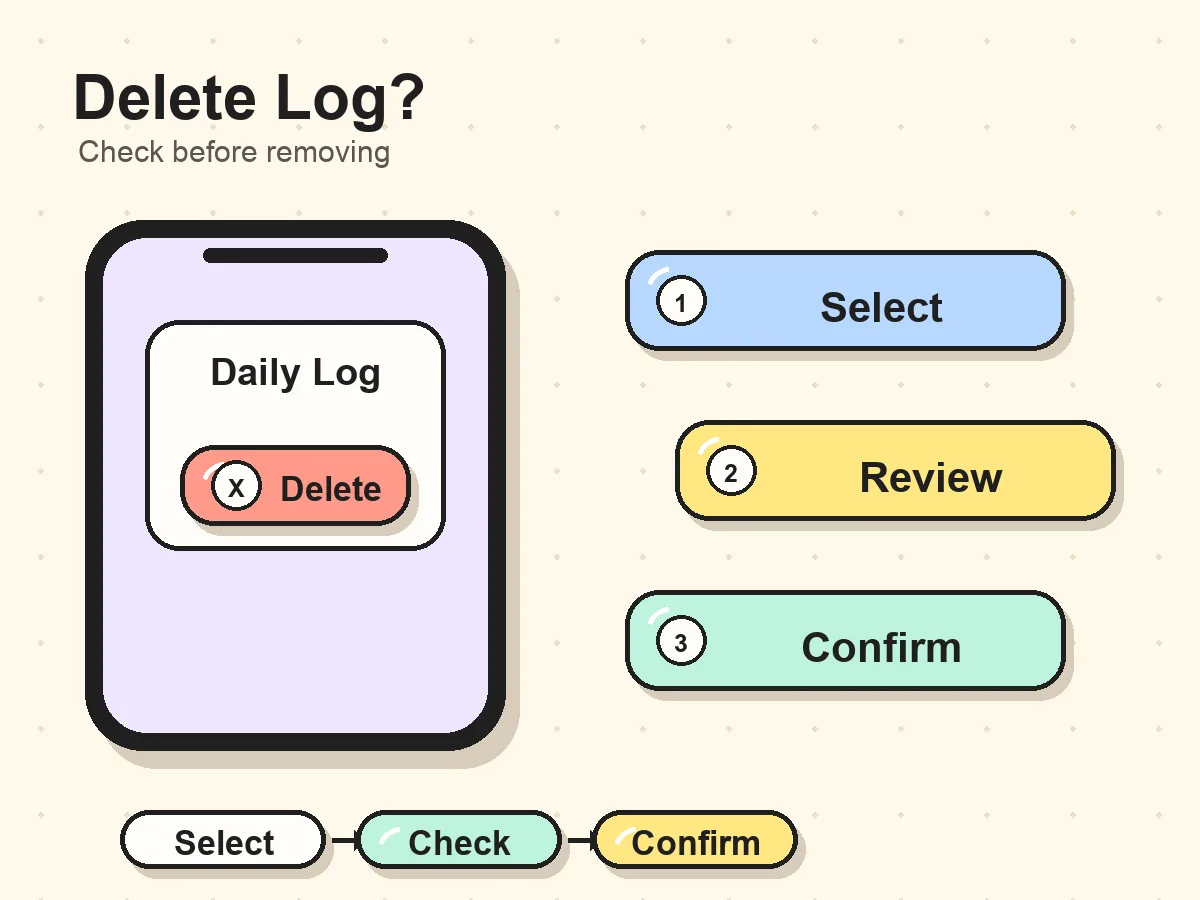
A safe delete flow starts with selecting the exact log, then opening the detail screen, then confirming the available action. The goal is to avoid deleting the wrong date, losing a video you still need, or confusing Hide with true deletion.
Select log
Open the right item
Use the room, record, history, or daily vlog list to open the exact Setlog log you want to delete. This prevents removing the wrong date or room item.
Find action
Use the log action menu
On the detail screen, open More, Edit, or the top menu. Delete and Remove are the primary actions for removing a log.
Confirm
Confirm the removal
Read the confirmation text before tapping the final button. Save or export any video you still need before confirming.
Before you delete: quick checklist
Run this checklist before the final confirmation. It is faster than trying to restore a deleted log later, and it separates content removal from storage, privacy, and room-permission problems.
- The log belongs to your own account or a room where you manage the item.
- You saved or exported any video you still need.
- You checked the confirmation screen before tapping the final delete button.
- You are deleting content, not trying to solve a storage or cache issue.
- You are not using a third-party tool to remove private Setlog content.
- You understand whether the app is offering Delete, Remove, Archive, or Hide.
How to find the delete option
Step 1. Open Setlog and go to the log you want to remove
Start with a log or daily vlog that belongs to your own account. Open the room, record, history, or daily vlog area where the item appears, then confirm the date, room, and context before taking action.
Step 2. Open the log detail screen
Tap the log item so you are viewing the detail screen for that specific log. Do not delete from a list until you are sure the selected item is the one you want to remove.
Step 3. Tap More, Edit, or the top menu
Open the action menu on the log detail screen. Look for Delete or Remove first. If Setlog only shows Archive or Hide, treat those as visibility or organization actions instead of assuming the log has been deleted.
Step 4. Choose Delete or Remove
Choose Delete or Remove only for a log that you created or manage. If Setlog shows a confirmation screen, read the message and confirm only when you are ready to lose access to that item.
What happens after deleting a Setlog log
The final confirmation matters because a Setlog log can include a date, room context, short video, or daily vlog memory. Before you confirm, think through what you expect to disappear and whether you have saved anything important.
The log may disappear from your visible history
After a successful delete or remove action, the selected Setlog log may no longer appear in the same room, date, or history view. That is why the final confirmation screen matters.
Saved videos should be checked before removal
If the log contains a video you still need, save or export it before deleting the log. Do not assume the same video will remain available after the content item is removed.
Other room members may still have their own view
For shared rooms, deletion behavior can depend on account role and room permissions. Removing an item from your side does not always mean every participant sees the same result.
Delete and Remove are the main removal actions
Start with Delete or Remove when the goal is to remove a Setlog log. Use Archive or Hide only when the app does not offer deletion or when your goal is cleanup or visibility control.
The wording matters because users often search for how to delete a log in Setlog when the app is actually offering a different action. Delete and Remove target the item itself. Archive changes organization. Hide changes what you see. Those actions can feel similar in the moment, but they do not always produce the same result.
Delete
Use Delete when Setlog presents it for your own log and you want to remove the item.
Remove
Use Remove when the app offers it as the available removal action for the selected log or list item.
Archive
Use Archive when you want to move a log out of the main view without treating it as permanent deletion.
Hide
Use Hide when the goal is visibility control rather than removing the content itself.
Shared rooms and someone else's log
When a log belongs to a shared room or someone else's daily vlog, your account does not always have Delete or Remove. That is expected for private group content. Ask the owner or room members to remove it from their side.
If the issue is privacy, use the option that matches the problem: ask the owner to remove the content, use Hide for your view, or use Leave / Mute / Report when those actions are available in the app.
If there is no delete button
A missing delete button does not mean a third-party removal tool is needed. Check the app controls and account context first.
- Make sure you opened the log detail screen, not only the room list.
- Check the top menu, edit screen, and more options area.
- Confirm the log belongs to your account or a room you manage.
- Use Archive or Hide when the app does not provide Delete or Remove.
- For shared-room content, ask the owner or room members to handle removal from their side.
Do not delete a Setlog log to fix storage first
Deleting a log is a content decision. Storage cleanup is a device decision. If your real problem is that Setlog looks large, Android reports a high Log Size, or the phone is nearly full, check storage causes before removing content. Cache, app data, saved media, and visible logs can be counted differently depending on the device.
A practical order is: save any video you care about, check the Log Size guide, clear only low-risk cache when appropriate, and delete a log only when you truly want that specific Setlog item removed.
Choose the next Setlog guide
Use this page when your task is deleting or removing a Setlog log. If your next step is saving a video, checking storage, installing Setlog, or learning the app basics, move to the matching guide instead of using deletion as a catch-all fix.
Save a Setlog video first
Use the save video guide before deleting a log that contains a video you still care about.
Open guideCheck Log Size before cleanup
Use the Log Size guide if your real problem is storage, cache, app data, or phone space.
Open guideReturn to the Setlog guide hub
Use the Learn hub when you are choosing between saved videos, Zip, meanings, logs, and beginner tasks.
Open guideInstall or verify Setlog
Use the download page for app store, APK, iPhone, Android, and installation questions.
Open guideFAQ
How do I delete a log in Setlog?
Open Setlog, go to the room or history area where the log appears, open the log detail screen, tap More, Edit, or the top menu, choose Delete or Remove, and confirm only after saving any video you still need.
Why do I not see a delete button in Setlog?
First confirm you are on the log detail screen. Then check the top menu, edit screen, and more options area. If Delete or Remove is still missing, check whether the log belongs to a shared room or whether Setlog only offers Archive or Hide for that item.
Is deleting a Setlog log permanent?
Treat Delete as permanent when Setlog shows a final confirmation message. Archive and Hide are different actions: they change organization or visibility and should not be treated as the same thing as deletion.
Should I save a Setlog video before deleting a log?
Yes. Save or export any Setlog video you still need before deleting or removing the log. After a log is removed, you can lose access to the same local video or daily vlog.
Can I delete someone else's Setlog log?
Do not delete someone else's Setlog log without permission. For shared rooms or private group content, ask the owner or room members to remove the item from their side.
Is deleting a log the same as clearing Setlog cache?
No. Deleting a log is a content or visibility action, while clearing cache is a storage cleanup action in the phone's settings. If your problem is Log Size or storage, use a storage guide before deleting content.